

Platform Ecosystem

CMS
Content Management System

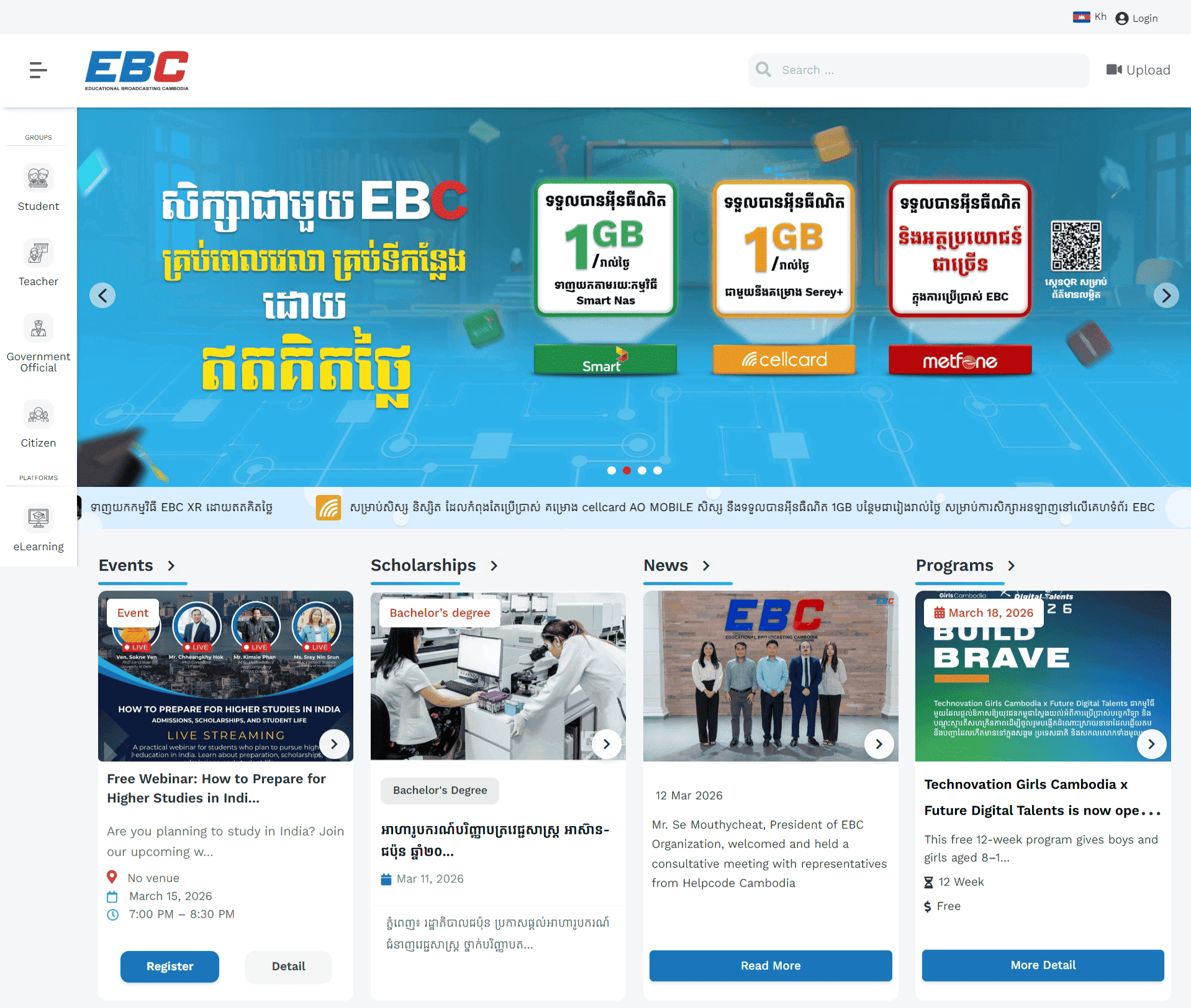
Content Management System (CMS) is a digital repository and content management platform designed to store, manage, and distribute high-quality, free educational content in Cambodia.

Based on the initiative by the Ministry of Post and Telecommunications (MPTC), CMS serves as a central hub for educational resources, specifically focusing on:
Digital Content ManagementIt acts as a repository for storing and organizing educational digital content, including videos, to promote digital knowledge.
Educational Broadcasting & StreamingEBC produces and broadcasts video lessons for grades K-12, teacher development programs, and lifelong learning programs.
Teacher & Content SupportThe platform provides tools, studio time, and technical support to assist teachers in creating, digitizing, and sharing their educational materials.
LMS
Learning Management System

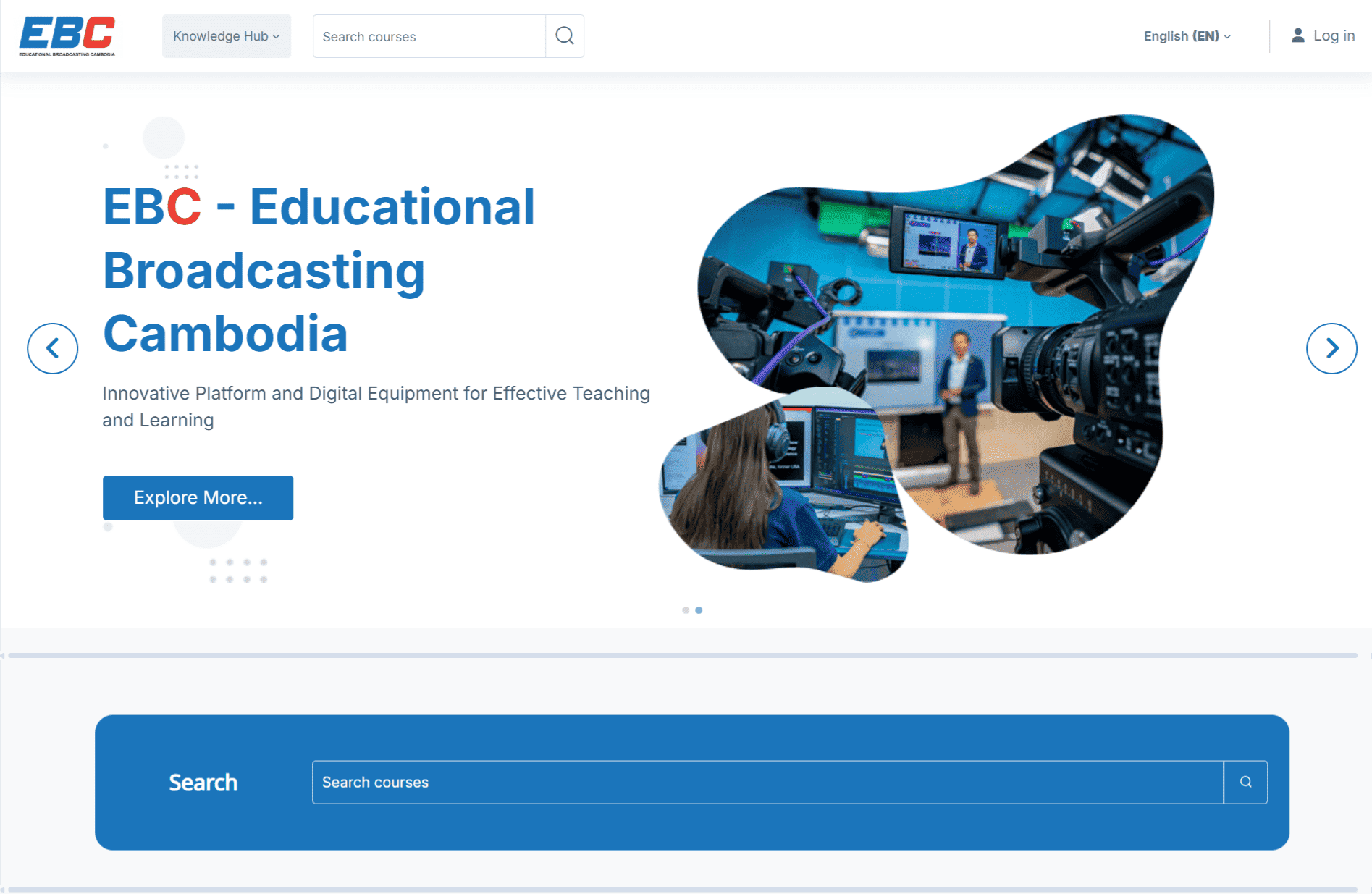
Learning Management System (LMS) is an eLearning platform designed to enhance education by delivering high-quality, free, and bilingual (Khmer/English) content, including grades K-12 videos and teacher training. It supports blended learning, enabling students and teachers to access, stream, and download educational resources, interactive lessons, and documentation from anywhere, anytime. 
Digital Content RepositoryHouses a vast collection of educational videos, documents, and interactive material for students and teachers.
Flexible Learning & AccessProvides 24/7 access to, for example, general education, teacher development programs, and life skills training through a user-friendly digital interface.
Support for Blended LearningIntegrates online and in-person learning, allowing for remote and in-classroom educational experiences.
Capacity BuildingOffers training programs for teachers and public servants to improve pedagogical skills.
Technical InfrastructureBuilt on Moodle and WordPress to ensure a secure and interactive experience, with free studio access for producing high-quality educational videos. 
eLibrary
image
eLibrary

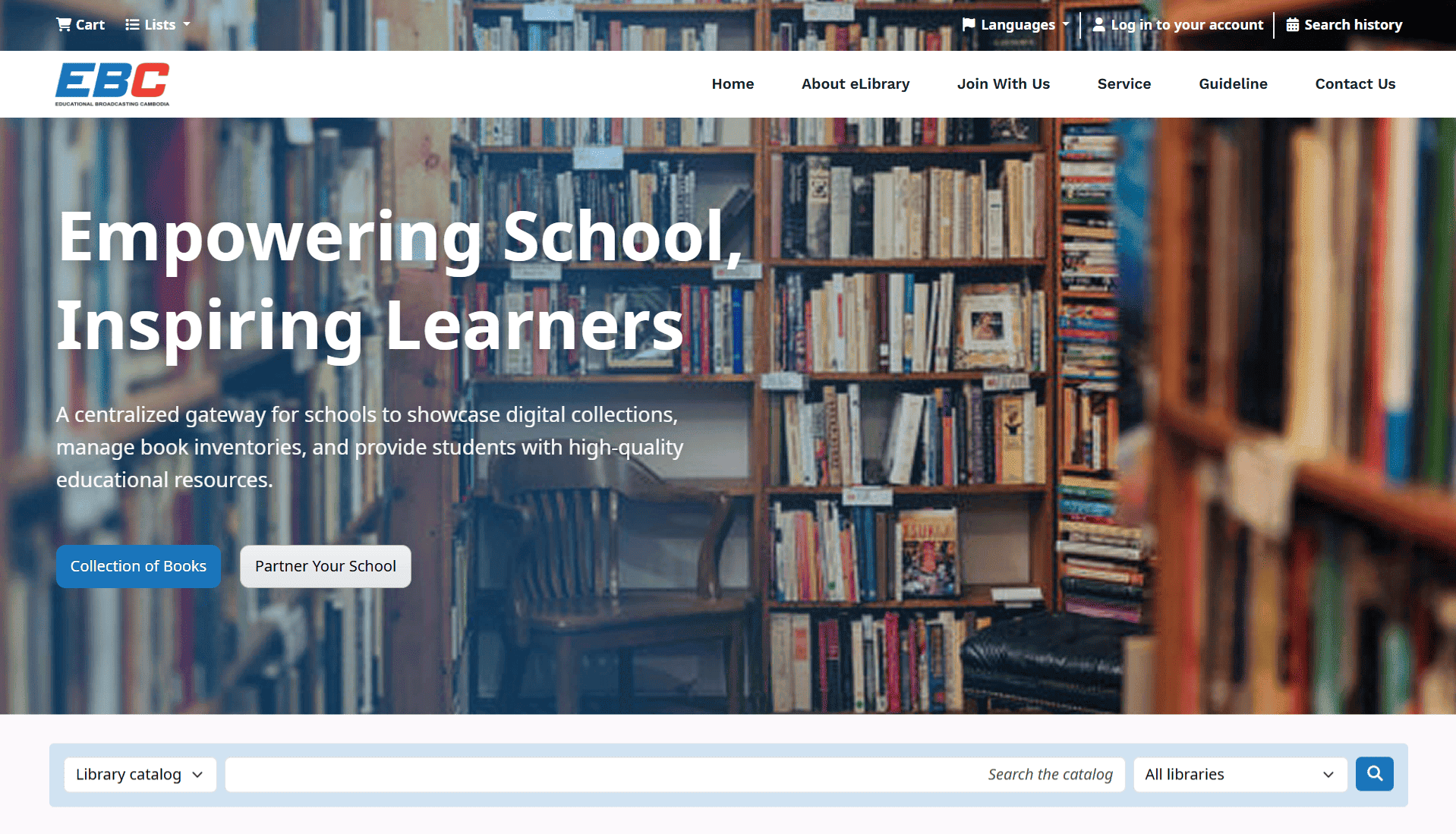
The eLibrary is more than just a repository; it is a collaborative platform designed to bridge the gap between Cambodia’s educational institutions and beyond. We provide the infrastructure for schools, universities, NGOs, and other organizations to digitize and manage their book inventories, showcase their unique collections, and benefit from EBC’s national digital reach.
Registry
image
Registry

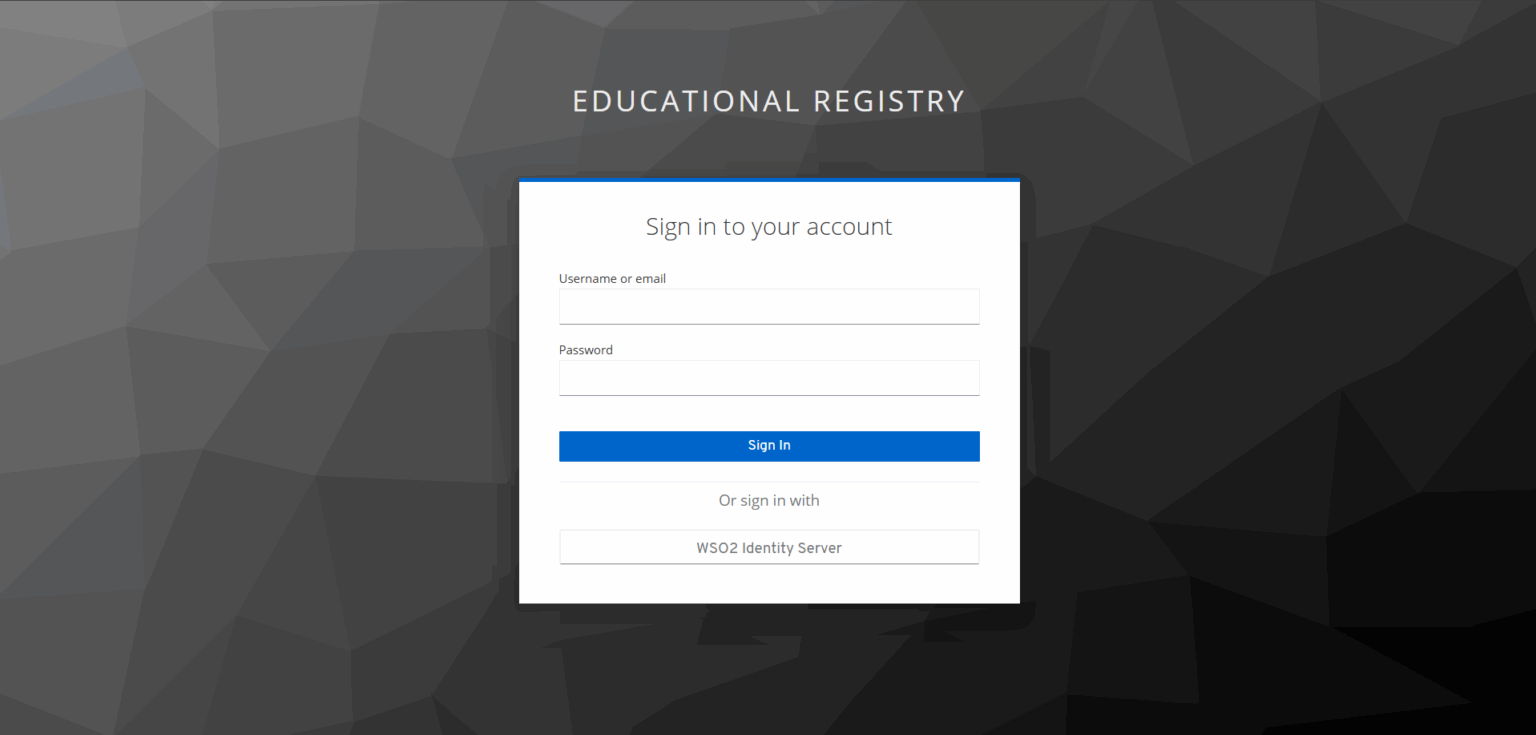
Registry is a single source of truth for digital identity. It ensures that every credential, identity, and consent record is trusted, reusable, and interoperable across platforms.
Key Functions
Reusable Credentials– Credentials are stored once and can be used across multiple EBC services.Example: A teacher’s verified credential grants access to both the broadcasting content system and the digital learning platform.– This reduces duplication and strengthens trust.Verifiable Identities– Credentials are digitally verifiable, similar to a digital ID.– Certificates, licenses, and authorizations can be validated instantly.– Supports Cambodia’s national digital governance initiatives.User Consent Management– The Registry records user consent, ensuring individuals control how their data is shared.– Example: Learners can allow educators to view progress data while restricting external access.– Builds transparency and public trust.Standardized Data for Interoperation– Uses global standards (e.g., W3C Verifiable Credentials, OpenID Connect).– Enables seamless collaboration with ASEAN partners, government agencies, and international platforms.– Ensures Cambodian credentials are recognized regionally.
SSO
image
Single Sign-On

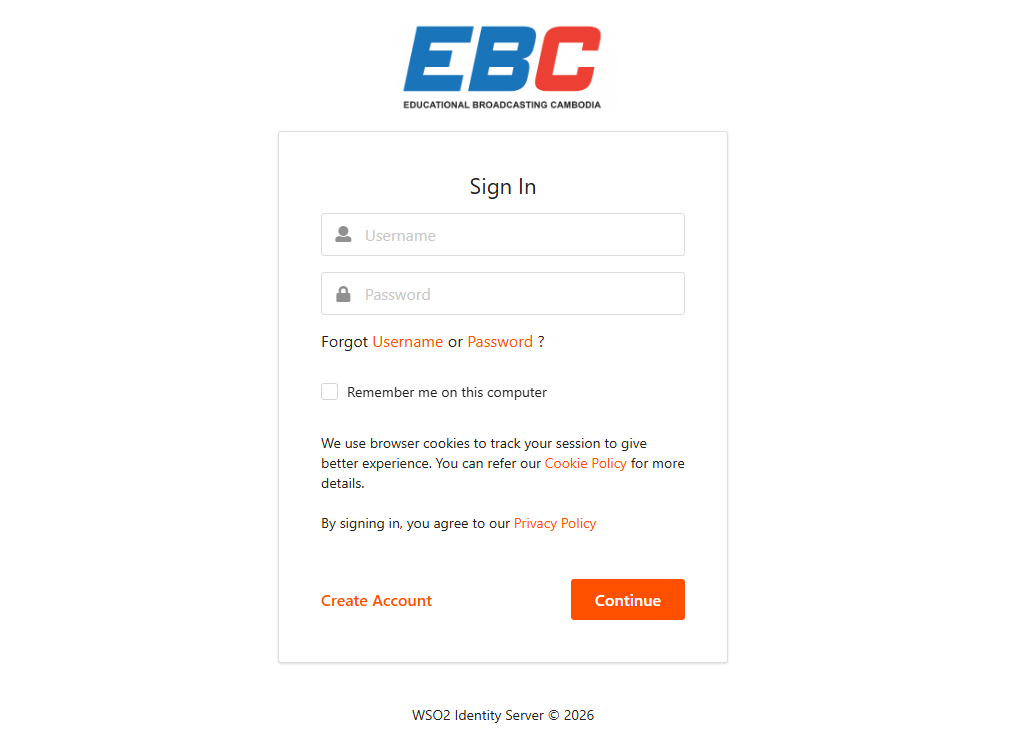
Single Sign-On (SSO) is an authentication method that allows a user to log in once with a single set of credentials (username and password) to gain access to multiple independent software systems and applications.
What SSO Does

SSO serves as a central gateway for identity management, functioning as a bridge between users and the various digital tools they use.

Centralizes AuthenticationInstead of each app verifying your identity, a trusted Identity Provider (IdP) like Okta, Microsoft Entra ID, or Google handles the login.
Issues Digital TokensOnce you log in to the IdP, it generates a secure digital “pass” (an authentication token).
Grants Seamless AccessWhen you open a connected app (the Service Provider), it checks for this token. If valid, you are logged in automatically without being prompted for credentials again.
Advantages of SSO
Eliminates Password FatigueUsers only need to remember one strong password instead of dozens for different services, reducing the temptation to use weak or reused passwords.
Boosts SecurityIT teams can enforce high-security standards (like mandatory Multi-Factor Authentication) at a single point, protecting the entire app ecosystem.
Increases ProductivityEmployees save time by avoiding repeated logins. Organizations report significant reductions in help desk tickets—up to 50% to 75% for login-related issues.
Simplifies IT ManagementAdministrators can grant or revoke access to all company apps instantly from one dashboard, which is critical for secure onboarding and offboarding. 
IPTV
Internet Protocol Television

Internet Protocol Television (IPTV) is a digital service that delivers television programming and video content over an internet connection rather than through traditional terrestrial, satellite, or cable formats.

How IPTV Works

Instead of broadcasting all programs simultaneously via radio waves or physical cables, IPTV sends only the content you select directly to your device as data packets, such as streaming channels from https://iptv.ebc.edu.kh/iptv/channel/1.m3u8, which can be accessed instantly over the internet.

Request & DeliveryWhen you select a channel or video, your device sends a request to the provider’s server, which then streams that specific content to your IP address.
Managed Networks Most professional IPTV services (like those from ISPs) run on a managed network, which prioritizes video traffic to ensure high quality and minimal buffering.
ProtocolsIt typically uses IP multicasting for live broadcasts (sending one stream to many viewers) and unicasting for on-demand content.
Common Types of IPTV
Live TVReal-time streaming of television channels, often including interactive features like pausing or rewinding live events.
Video on Demand (VOD) A library of movies and shows that you can watch at any time, similar to Netflix or Amazon Prime.
Time-Shifted TVAlso called “catch-up TV,” this allows you to watch previously aired programs for a limited period after their original broadcast.
Requirements for Use
Stable InternetA high-speed connection is essential; typically, a minimum of 25 Mbps is recommended for high-definition (HD) or 4K streaming.
Compatible DeviceThis can include Smart TVs, smartphones, tablets, or computers.
Hardware/SoftwareIf you don’t have a Smart TV, you may need a set-top box (like Apple TV, Roku, or Fire Stick) or a dedicated IPTV app/player.
3D
image
3D

The 3D Museum is a groundbreaking digital space designed to preserve, showcase, and share the nation’s rich cultural heritage with audiences worldwide.

PurposeThe 3D Museum is envisioned as a dynamic platform that:● Digitally preserves Cambodia’s historical artifacts, artworks, and cultural treasures.● Provides immersive, interactive experiences for learners, researchers, and the general public.● Bridges the gap between traditional museums and modern digital technology.
● Expands access to cultural education beyond physical boundaries.
FeaturesImmersive 3D Galleries: Explore virtual spaces with historical and modern artworks.Interactive Learning: AR/VR tools enhance engagement with exhibits.Multilingual Access: Available in Khmer, English, and more.Collaborative Collections: Institutions can share and contribute content.Web & Mobile Access: Works on phones, tablets, and computers.
BenefitsFor Students: A rich educational resource aligned with curricula, offering interactive lessons in history, art, and culture.For Researchers: A centralized digital archive for academic study and cross-institutional collaboration.For the Public: An engaging, accessible way to experience Cambodia’s heritage from anywhere in the world.For Institutions: A platform to digitize, manage, and showcase collections with national and international reach.
Mobile Internet Access
image
Mobile Internet Access

Education should never be restricted by geography or financial means. EBC ensures that every learner—whether in bustling Phnom Penh, a rural village, or on the move—has equal access to knowledge and opportunity.

Free Internet, Anytime, Anywhere

Through strong partnerships with leading telecommunication providers, EBC offers free internet connectivity nationwide. This means students, teachers, and communities can connect to the platform at any time, from any location, without worrying about cost or coverage.Through collaboration with telecommunication providers like Cellcard, Metfone, Smart Axiata, EBC is able to offer data packages, making the content accessible to students across Cambodia, including remote areas.

Bridging Communities and Classrooms

By removing barriers between urban and rural areas, EBC fosters inclusivity and unity. It creates a shared digital space where communities and classrooms come together, ensuring that no learner is left behind.

Building an Inclusive Digital Future

EBC is more than a platform—it’s a movement toward shaping an inclusive digital Cambodia. By making education universally accessible, it reinforces the principle that learning is not a privilege but a right for all.

Building an Inclusive Digital Future

EBC is more than a platform—it’s a movement toward shaping an inclusive digital Cambodia. By making education universally accessible, it reinforces the principle that learning is not a privilege but a right for all.

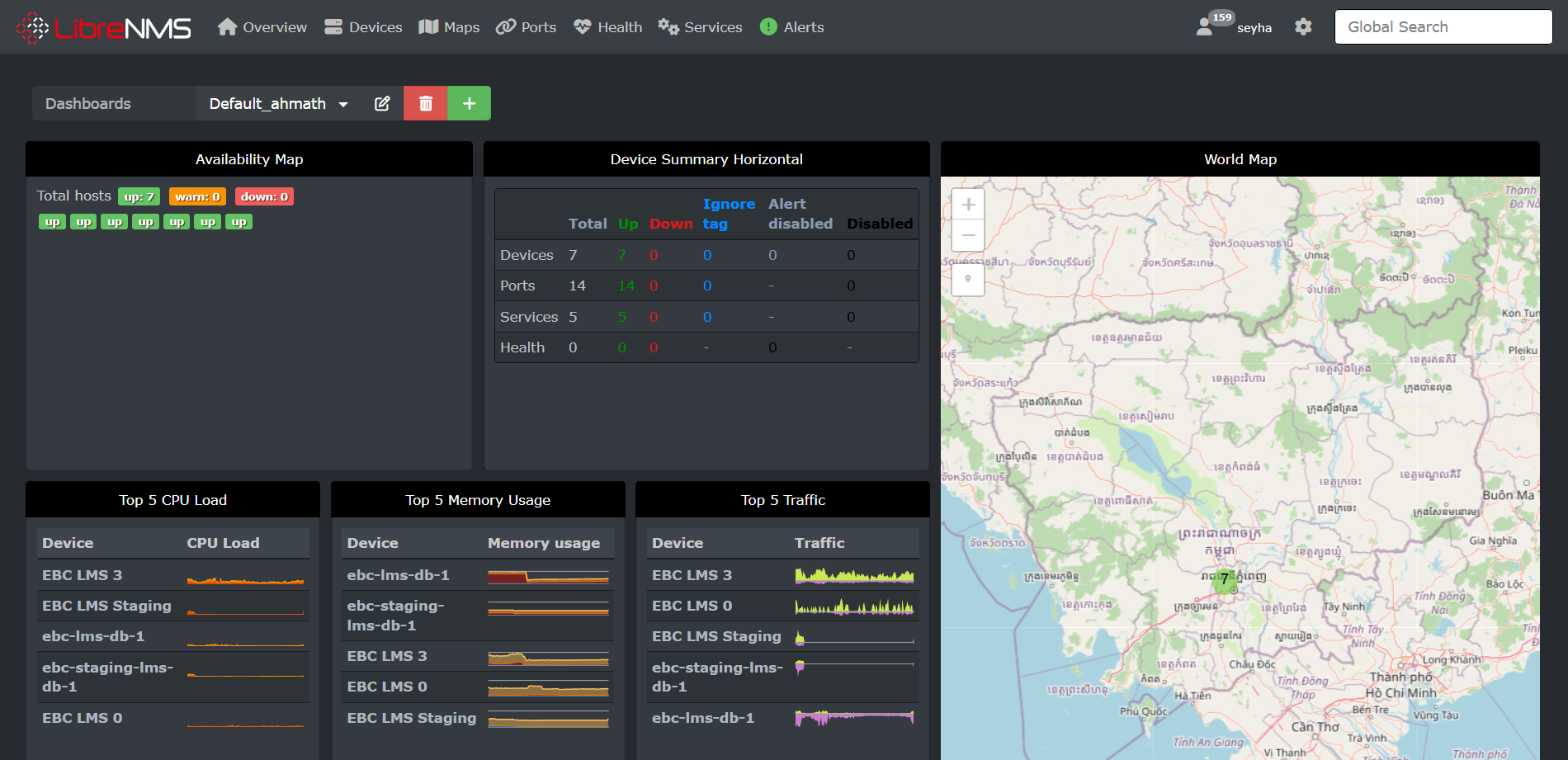
Network Monitoring System
image
Network Monitoring System

A Network Monitoring System (NMS) is a digital tool that continuously tracks the health, performance, and availability of EBC’s online platforms and infrastructure. It acts as the watchdog of our digital ecosystem, ensuring that services like IPTV, educational portals, and broadcasting applications remain reliable and secure.

Why It Matters for EBC

EBC Platforms depends on uninterrupted digital services to deliver education, broadcasting, and community engagement. The NMS ensures:– Reliability: Detects downtime or service interruptions in real time.– Security: Flags unauthorized access attempts or unusual activity.– Performance: Monitors response times and system load to maintain smooth user experiences.– Accountability: Provides transparent logs and alerts for technical teams to act quickly.

Support Center
image
Support Center

At EBC, we don’t just provide a platform; we provide a partnership. Our dedicated support team is committed to ensuring every user—from students navigating their first course to school managers overseeing complex operations—has a seamless and productive experience.

Join Our Community

Telegram Group Support gets real-time assistance and connects with the EBC community. Our Telegram groups are the fastest way to get your questions answered by our experts and peers.– Instant Troubleshooting: Quick fixes for technical hurdles.– Peer Learning: Exchange tips and best practices with other users.– Direct Access: Speak directly with EBC support representatives.

CMS
LMS: Learning Management System

Educational Broadcasting Cambodia (EBC) LMS is a digital, Moodle-based platform designed to enhance education by delivering high-quality, free, and bilingual (Khmer/English) content, including grades 1-12 videos and teacher training. It supports blended learning, enabling students and teachers to access, stream, and download educational resources, interactive lessons, and documentation from anywhere.

Key functions of the EBC LMS include:
● Digital Content Repository: Houses a vast collection of educational videos,, documents, and interactive material for students and teachers.

● Flexible Learning & Access: Provides 24/7 access to, for example, general education, teacher development programs, and life skills training through a user-friendly digital interface.

● Support for Blended Learning: Integrates online and in-person learning, allowing for remote and in-classroom educational experiences.

● Capacity Building: Offers training programs for teachers and public servants to improve pedagogical skills.

● Free Accessibility: Collaborates with telecommunication providers like Smart Axiata to offer data packages, making the content accessible to students across Cambodia, including remote areas.

● Technical Infrastructure: Built on Moodle and WordPress to ensure a secure and interactive experience, with free studio access for producing high-quality educational videos.

Based on the initiatives by the Ministry of Post and Telecommunications (MPTC) and the Ministry of Education, Youth and Sport (MoEYS), EBC CMS serves as a central hub for educational resources, specifically focusing on:

● Digital Content Management: It acts as a repository for storing and organizing educational digital content, including videos, to promote digital knowledge.
● Educational Broadcasting & Streaming: EBC produces and broadcasts video lessons for grades 1-12, teacher development programs, and life skills programs.
● eLearning Platform (ebc.edu.kh): It hosts a free, bilingual (Khmer and English) learning platform that offers interactive courses for students and adults to enhance job skills.

● Teacher & Content Support: The platform provides tools, studio time, and technical support to assist teachers in creating, digitizing, and sharing their educational materials.

● Distance Learning Support: EBC ensures that learning materials are accessible to students in remote areas, often working with telecom providers to facilitate access.

LMS
LMS: Learning Management System

Educational Broadcasting Cambodia (EBC) LMS is a digital, Moodle-based platform designed to enhance education by delivering high-quality, free, and bilingual (Khmer/English) content, including grades 1-12 videos and teacher training. It supports blended learning, enabling students and teachers to access, stream, and download educational resources, interactive lessons, and documentation from anywhere.

Key functions of the EBC LMS include:
– Digital Content Repository: Houses a vast collection of educational videos,, documents, and interactive material for students and teachers.
– Flexible Learning & Access: Provides 24/7 access to, for example, general education, teacher development programs, and life skills training through a user-friendly digital interface.
– Support for Blended Learning: Integrates online and in-person learning, allowing for remote and in-classroom educational experiences.
– Capacity Building: Offers training programs for teachers and public servants to improve pedagogical skills.
– Free Accessibility: Collaborates with telecommunication providers like Smart Axiata to offer data packages, making the content accessible to students across Cambodia, including remote areas. 
– Technical Infrastructure: Built on Moodle and WordPress to ensure a secure and interactive experience, with free studio access for producing high-quality educational videos. 

E-Library
E-library

Educational Broadcasting Cambodia (EBC) is a public organization dedicated to ensuring accessibility and openness in education for all. The E-Library is more than just a repository; it is a collaborative platform designed to bridge the gap between Cambodia’s educational institutions and beyond. We provide the infrastructure for schools, universities, NGOs, and other organizations to digitize and manage their book inventories, showcase their unique collections, and benefit from EBC’s national digital reach.

Vision: To create a nationwide network of interconnected libraries—spanning schools, academia, NGOs, and institutions—where resources are shared, managed, and accessible to every citizen

Mission: To provide robust digital tools for inventory management and resource dissemination, empowering schools and partner institutions to support the national curriculum (K-12) while fostering knowledge exchange across diverse sectors. 

SSO
SSO (Single Sign-On)

SSO (Single Sign-On) is an authentication method that allows a user to log in once with a single set of credentials (username and password) to gain access to multiple independent software systems and applications

What SSO Does In 2026, SSO serves as a central gateway for identity management, functioning as a bridge between users and the various digital tools they use.

Mission: To provide robust digital tools for inventory management and resource dissemination, empowering schools and partner institutions to support the national curriculum (K-12) while fostering knowledge exchange across diverse sectors. 

IPTV
IPTV: Internet Protocol Television

IPTV (Internet Protocol Television) is a digital service that delivers television programming and video content over an internet connection rather than through traditional terrestrial, satellite, or cable formats.

Instead of broadcasting all programs simultaneously via radio waves or physical cables, IPTV sends only the content you select directly to your device as data packets, such as streaming channels from https://iptv.ebc.edu.kh/iptv/channel/1.m3u8, which can be accessed instantly over the internet.

How IPTV Works

Instead of broadcasting all programs simultaneously via radio waves or physical cables, IPTV sends only the content you select directly to your device as data packets, such as streaming channels from https://iptv.ebc.edu.kh/iptv/channel/1.m3u8, which can be accessed instantly over the internet.

Request & DeliveryWhen you select a channel or video, your device sends a request to the provider’s server, which then streams that specific content to your IP address.
Managed Networks Most professional IPTV services (like those from ISPs) run on a managed network, which prioritizes video traffic to ensure high quality and minimal buffering.
ProtocolsIt typically uses IP multicasting for live broadcasts (sending one stream to many viewers) and unicasting for on-demand content.
Common Types of IPTV
Live TVReal-time streaming of television channels, often including interactive features like pausing or rewinding live events.
Video on Demand (VOD) A library of movies and shows that you can watch at any time, similar to Netflix or Amazon Prime.
Time-Shifted TVAlso called “catch-up TV,” this allows you to watch previously aired programs for a limited period after their original broadcast.
Requirements for Use
Stable InternetA high-speed connection is essential; typically, a minimum of 25 Mbps is recommended for high-definition (HD) or 4K streaming.
Compatible DeviceThis can include Smart TVs, smartphones, tablets, or computers.
Hardware/SoftwareIf you don’t have a Smart TV, you may need a set-top box (like Apple TV, Roku, or Fire Stick) or a dedicated IPTV app/player.
Legality and Risks
Legitimate ServicesServices like YouTube TV, Sling TV, and Hulu + Live TV are fully legal and pay for broadcasting rights.
Illegal Providers Many “grey market” services offer thousands of premium channels for very low prices without holding the proper licenses. Using these can lead to service interruptions and potential security risks.
Hardware/SoftwareIf you don’t have a Smart TV, you may need a set-top box (like Apple TV, Roku, or Fire Stick) or a dedicated IPTV app/player.
The technology itself is legal, but the content you access may not be. 
3D

Accessibility